Guide · Privacy-first · 18+
How to Download Porn Videos Safely and Privately
Saving adult videos for offline viewing is one of the most common download use cases on the web, and the one where picking the wrong tool costs you the most. This guide covers the private way to do it, what works, what will never work, and the rules that keep you out of trouble.
Nobody searches for this topic wanting a lecture. You want three things: the video saved in full quality, no malware on your machine, and no record of what you watched sitting on someone else's server. The third one is the part almost every "porn downloader" tutorial ignores, and it is the part that matters most.
One rule before anything else: everything below assumes you are a legal adult saving content you have legitimate access to, for your own offline viewing. Nothing here bypasses DRM or paywalls, and nothing here should ever be re-shared. More on that in section 6.
1. The real risk is not the download, it is the tool
Search for a porn downloader and the first pages of results are online converter sites: paste a link, click a button, get a file. Understand what actually happens when you use one. The URL of the video you are watching is sent to an anonymous server, together with your IP address, at a precise timestamp. You have just handed a stranger a timestamped log entry of your most private browsing, and you have no idea how long it is kept, where it is stored, or who it is sold to.
That is the good scenario. The adult-downloader niche is also one of the densest malware distribution channels on the web: fake download buttons, forced browser notifications, cloned sites that wrap the file in an installer. Security vendors consistently rank adult converter sites among the top sources of drive-by installs, precisely because visitors are unlikely to report anything that reveals what they were doing.
The privacy test for any downloader is one question: does the video URL ever leave my machine? For every paste-a-link website, the answer is yes, by definition. For a local browser extension, the answer can be no.
This is the architectural reason to use a local extension for this use case. Vidora detects the stream in the page you already have open, downloads the segments inside your browser session, and assembles the MP4 on your disk. No URL is pasted anywhere, no file passes through a third-party server, and the extension's telemetry has a strict no-URLs policy: it never transmits page addresses, video titles, or filenames, on any site. That policy is spelled out in the privacy policy and it applies identically on adult sites.
2. How adult sites actually deliver video
Under the hood, adult platforms use exactly the same streaming stack as mainstream video sites. There are three delivery patterns, and knowing which one you are facing tells you whether a download is possible:
- Direct MP4. Smaller sites and older players expose a single progressive MP4 file. This is the trivial case: any competent downloader grabs it in one request.
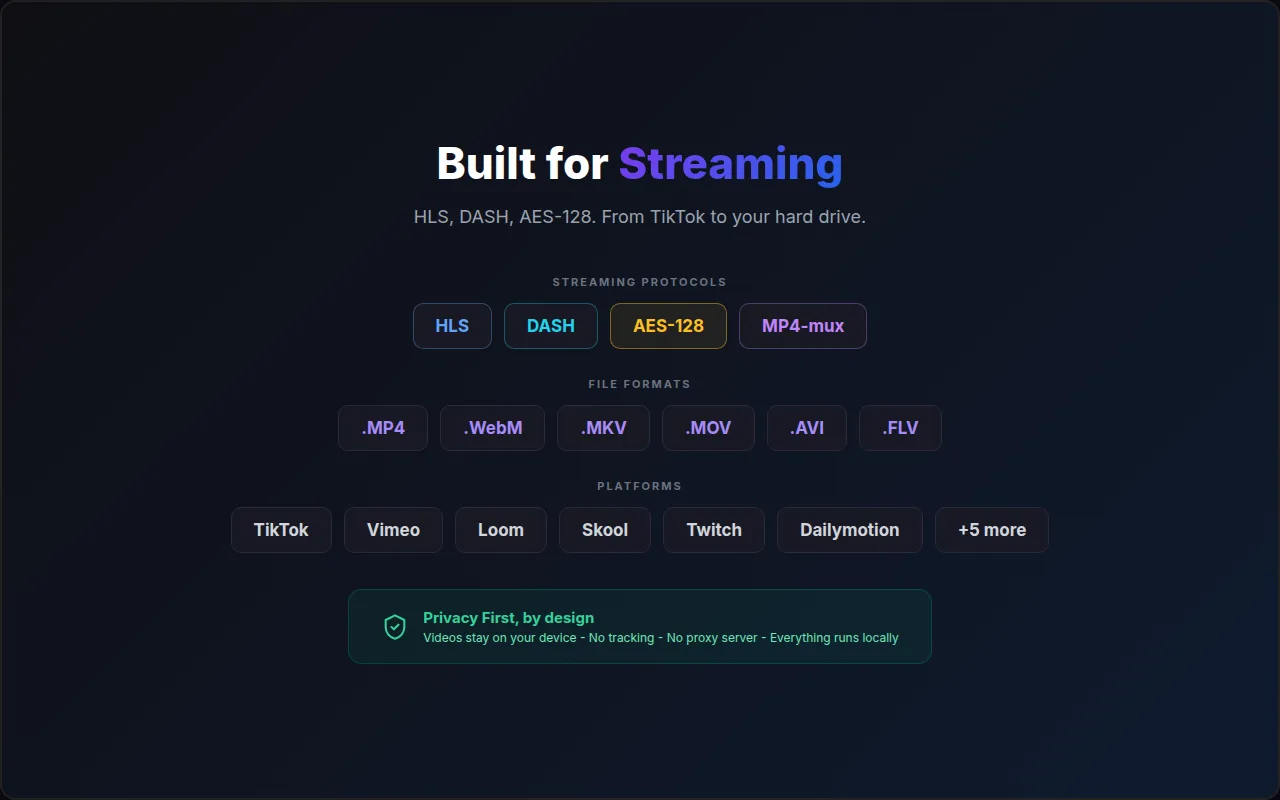
- HLS streams. The dominant pattern. The player loads an M3U8 playlist that lists hundreds of short video segments, often in several resolutions. A downloader must fetch every segment in order and mux them into one MP4 file. Some streams add AES-128 encryption, which a downloader can legally decrypt because the key is served openly in the playlist.
- DRM-protected streams. Premium platforms increasingly use Widevine or PlayReady. The decryption key never reaches your browser in usable form. No legitimate tool can save these, and any tool claiming otherwise is either lying or breaking the law.
The practical consequence: tube-style sites running standard HLS or MP4 delivery are downloadable, DRM platforms are not, and the honest tools are the ones that tell you which case you are in instead of failing silently.
3. Step by step: download locally with an extension
With Vidora installed in Chrome, the flow takes about thirty seconds:
- Open the video page and press play. Most adult players only reveal the real stream URL once playback starts. A second or two is enough.
- Click the Vidora icon. The popup lists every stream detected in the tab, with resolution and estimated size. If several qualities appear, they come from the HLS master playlist.
- Pick the quality and download. Vidora fetches the segments inside your browser session, decrypts AES-128 if present, muxes audio and video, and saves a standard MP4 you can play anywhere.
- Rename before saving if you care about discretion. By default the filename derives from the video title. The save dialog is the right moment to choose something neutral and pick the folder deliberately.
There is nothing adult-specific in this pipeline: it is the same engine that handles Vimeo or any HLS stream. If the popup shows no stream at all, refresh the page, play the video again, and reopen the popup; detection needs the player to have requested its playlist at least once.
4. What works, what fails, and why
Honest expectations, based on how these sites are built in 2026:
- Generally works: sites serving direct MP4 files or standard HLS, including AES-128 encrypted streams. That covers the large majority of free tube-style platforms.
- Sometimes fails: sites with aggressive hotlink protection or signed URLs that expire mid-download. The fix is usually to replay the video and restart the download so the tokens refresh. Heavy bot walls on some CDNs can also throttle or reject segment requests; when that happens, no client-side tool can force its way through politely.
- Never works, by design: DRM-protected premium content. Vidora detects Widevine, PlayReady and FairPlay and refuses the download instead of pretending. If you pay for a premium platform, its offline feature is the legitimate path.
You can check how Vidora behaves on the platforms you actually use in the supported sites compatibility list, which is kept deliberately honest, including about what does not work.
5. Keeping your library private
The download is local; keeping it private is about where the file lives afterwards. Four habits cover almost everything:
- Choose the folder consciously. Files saved from an incognito window still land in your normal downloads folder. Point the save dialog at a dedicated directory instead of the default.
- Keep that folder out of cloud sync. A downloads directory inside OneDrive, Google Drive, iCloud or Dropbox scope uploads your library to an account that may be shared, or shown in a family plan's storage browser.
- Neutral filenames. The most common privacy leak is not the file content, it is a filename on a shared screen: a cast session, a projector, a file picker during screen share.
- Incognito needs one switch. Chrome disables extensions in private windows by default. If you browse in incognito, enable Allow in Incognito for Vidora in chrome://extensions, Details. Downloads themselves never appear in browser history, but the containing folder is up to you.
6. Legal and ethical ground rules
Four rules, none of them optional:
- 18+ only. Both for viewing and for the platforms' own terms.
- Personal use only. A downloaded copy is for your own offline viewing. Re-uploading, sharing, or selling it is copyright infringement everywhere and, worse, it directly takes income from performers whose livelihood is per-view and per-subscription revenue.
- Respect paywalls and DRM. Content someone chose to sell behind a subscription is not fair game. DRM is a line Vidora will not cross technically, and you should not try to cross contractually.
- Consent matters beyond copyright. Download only from platforms that distribute content produced and published consensually. If material appears leaked, hidden-camera, or posted without the subject's consent, saving it makes you part of the problem; several jurisdictions now criminalize possession of non-consensual intimate imagery.
None of this is legal advice; laws differ by country. The one-line summary: keep it adult, keep it consensual, keep it to yourself.
7. Frequently asked questions
Is it legal to download porn videos?
Downloading adult content you have legitimate access to, for strictly personal offline viewing, is tolerated in most jurisdictions, but the video itself remains copyrighted by the studio or creator. Re-uploading, sharing, or selling downloaded content is illegal essentially everywhere and directly harms performers. Content behind a paywall or DRM must be respected, and you must be of legal adult age where you live.
Does Vidora work on every adult site?
No, and no honest tool claims to. Sites delivering video over standard HLS or direct MP4 generally work. DRM-protected platforms do not, by design: Vidora detects DRM and refuses rather than attempting a bypass. Some CDNs also run bot protection aggressive enough to block segment downloads.
Can the downloader see which videos I save?
With Vidora, no. Detection, decryption and muxing run locally in your browser. The extension never transmits page URLs, video URLs, titles or filenames, unless you send a problem report yourself; its anonymous telemetry is limited to feature counters and error reports that name at most a root domain, never a URL, and you can switch it off in Settings, on adult sites exactly as everywhere else.
Why does a download fail on some adult sites?
Usually hotlink protection (the CDN wants a valid Referer and session cookies), signed URLs that expire before the last segment, or rate-limiting bot walls. Replay the video in the tab and restart the download; refreshed tokens fix most failures.
Does downloading work in incognito mode?
Yes, once you enable Allow in Incognito for the extension in chrome://extensions. Chrome switches extensions off in private windows by default. Remember that saved files still go to your regular downloads folder unless you choose another location.
Download privately, locally, in one click
Vidora saves HLS and MP4 streams to disk without your URLs ever leaving the browser. Free during launch.
Get Vidora for Chrome